




Rooksbet Application
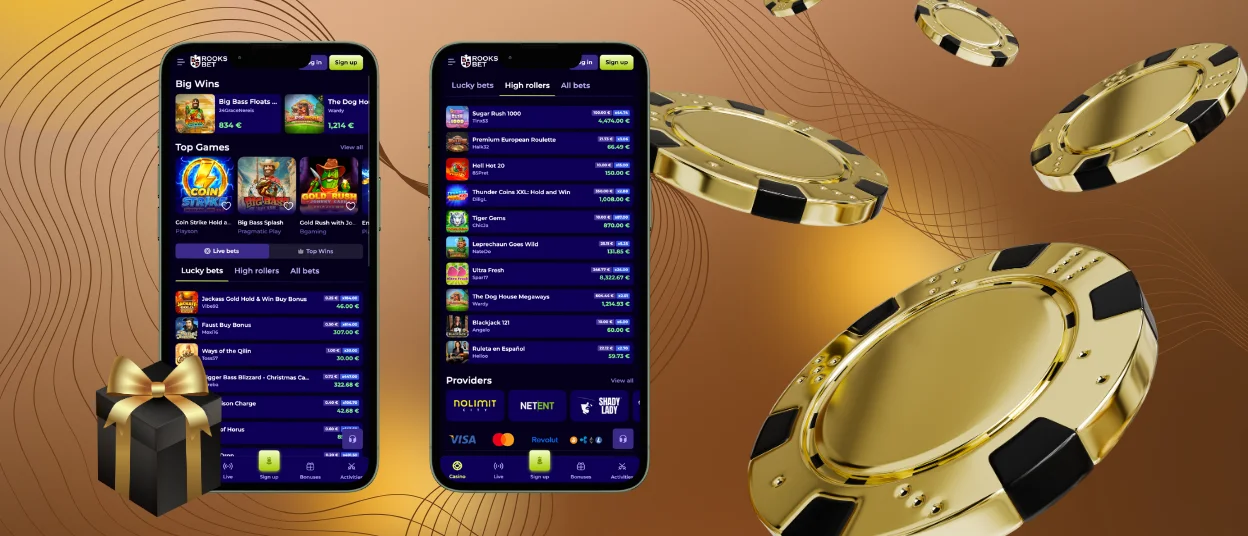
The Rooksbet app delivers full casino access from any smartphone or tablet running Android or iOS. Built on Progressive Web App technology, it installs directly through a mobile browser in a few taps — no APK files, no third-party stores, no manual updates. Everything available on desktop is available in the mobile casino: the full game catalog, account management, payments, promotions, and live dealer tables.



Rooksbet PWA: Fast Access Without Downloads
Rooksbet Casino uses PWA technology as the foundation of its mobile platform. The application runs inside the browser, is added to the home screen as a shortcut, and updates automatically every time it is opened. This eliminates version mismatches, reduces storage consumption, and keeps the platform running on the latest build without any action required from the player.
Installing the Rooks Bet app takes under a minute. On Android, open the official website in Chrome, select “Add to Home Screen,” and confirm. On iOS, open the site in Safari, tap the Share icon, and select “Add to Home Screen.” The casino icon appears on the device immediately and launches with a single tap from that point forward.
| Platform | Browser | Installation Method | Update Method |
| Android | Chrome, Opera, Edge | Add to Home Screen via browser menu | Automatic on launch |
| iOS | Safari | Share → Add to Home Screen | Automatic on launch |
| Desktop | Chrome, Firefox, Safari, Edge | No installation required | Automatic |
Security in the Rooksbet App
The Rooksbet app operates exclusively over HTTPS, with TLS 1.3 encryption covering all data exchanged between the device and the platform’s servers. Because the PWA runs inside a trusted browser environment, it requires minimal device permissions — only those directly tied to functionality, such as notifications or temporary storage. No background processes run when the app is closed, and no sensitive data is stored locally on the device.
The verification process is fully supported through the mobile platform. Players submit identity documents and payment verification materials directly through the app, with the Support Team reviewing and approving submissions within the standard processing window. Two-factor authentication is available from account settings and applies equally across desktop and mobile sessions.
Payment transactions processed through the app are protected by the same PCI-DSS-compliant infrastructure used on desktop. Depositing, withdrawing, and managing payment methods all function securely within the mobile environment.
Rooksbet App Device Compatibility
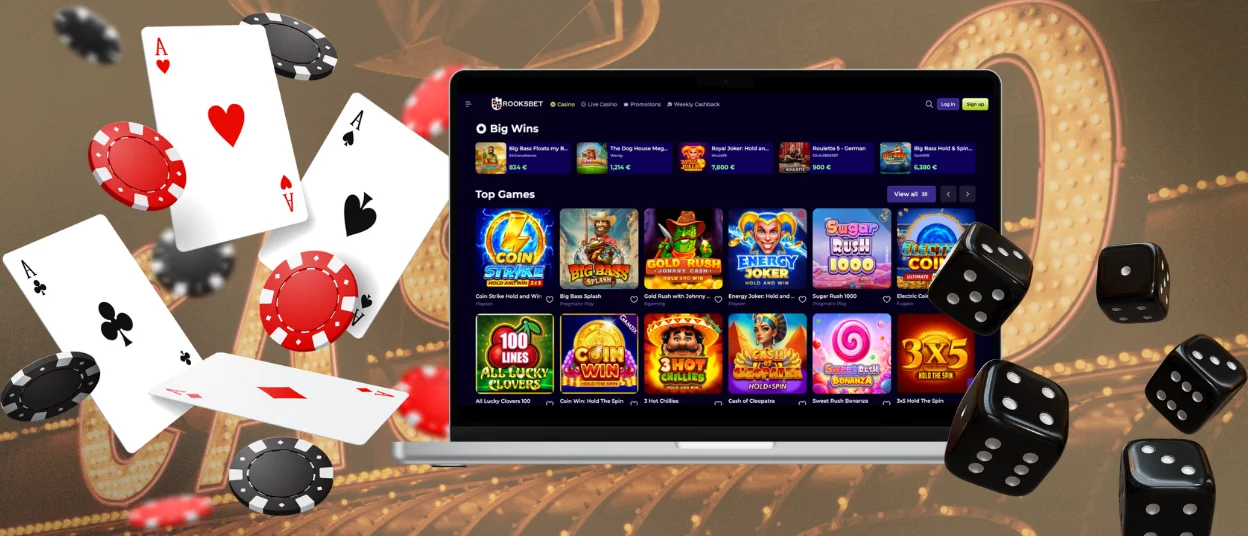
The Rooksbet app runs as a Progressive Web App, which means compatibility is determined by the browser rather than the operating system version or device model. Our application works in most modern browsers:
- Google Chrome (Android, Desktop)
- Safari (iOS, Desktop)
- Mozilla Firefox (Android, Desktop)
- Microsoft Edge (Android, Desktop)
- Opera (Android, Desktop)
The interface scales automatically to any screen resolution — from compact smartphone displays to tablet and desktop monitors. Touch controls are fully mapped on mobile and tablet devices, while the desktop version adapts to mouse and keyboard input without any functional difference. Keeping the browser updated to its latest version ensures optimal loading speed and uninterrupted access to all Rooksbet Casino features. No minimum OS version is required beyond standard browser support for PWA technology.
Gaming Experience on Mobile
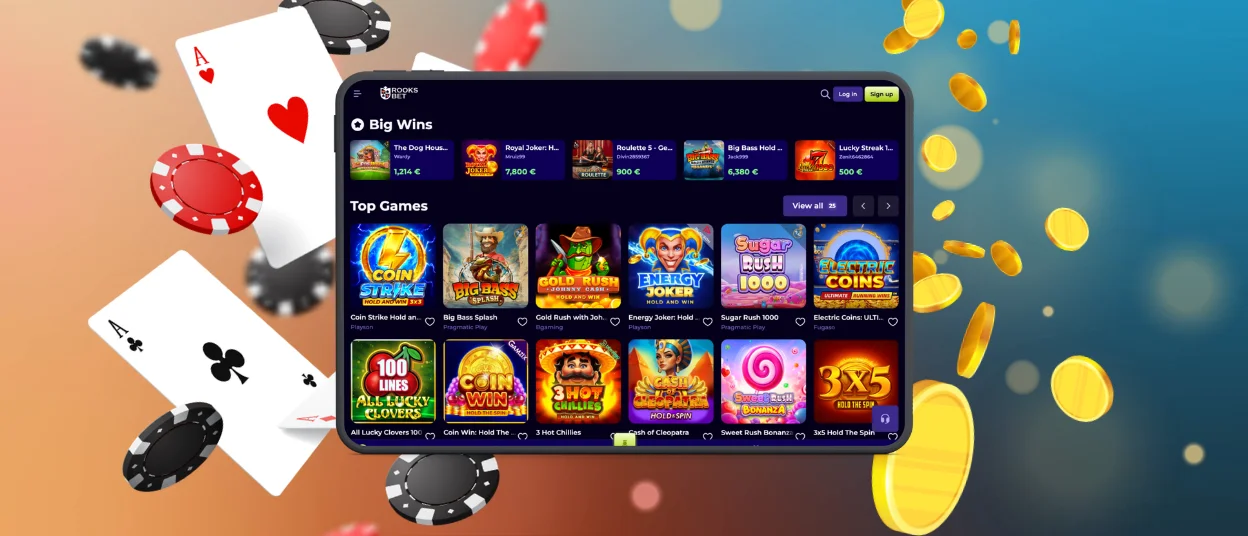
The interface scales automatically to any screen size — smartphones, tablets, and iPads — with touch controls mapped to all interactive elements. Game categories, account settings, and the promotional section are all reachable from the main navigation without additional scrolling. Online slots, live dealer tables, crash games, and table game variants all run at the same performance level as on desktop.
Live dealer games stream in HD through the mobile casino with the same camera quality and dealer interaction available on larger screens. The gaming experience in live sessions includes the in-session chat function, allowing players to communicate at the table during play.
| Feature | Mobile (PWA) | Desktop |
| Full game catalogue (6,000+ titles) | ✓ | ✓ |
| Live dealer tables | ✓ | ✓ |
| Account & payment management | ✓ | ✓ |
| Bonus activation | ✓ | ✓ |
| Push notifications | ✓ | — |
| Installation required | — | — |
| Automatic updates | ✓ | ✓ |
FAQ
Does the Rooksbet app require a separate account?
No separate account is needed. The same credentials used for the desktop platform apply to the Rooksbet app. Players complete the standard procedure with their registered email and password, and access the same account, balance, and history across all devices.
How does the verification process work on mobile?
The full verification process is available through the app. Players upload identity documents and payment method verification directly from their device. The Support Team reviews submissions and confirms KYC approval within the standard processing window. Withdrawals become available once verification is complete.
Are all online slots and live tables available in the mobile casino?
The Rooksbet app provides access to the complete catalog of over 6,000 titles, including all online slots, live dealer tables, crash games, and table game variants. No content is restricted to desktop only.
Can responsible gaming limits be set through the app?
Deposit limits, loss limits, session timers, cooling-off periods, and self-exclusion are all configurable from account settings within the Rooksbet app. Any limits set through the mobile platform apply immediately and across all access points.
How do I contact support from the app?
Live chat is accessible from within the Rooksbet Casino app at all times. The Support Team operates 24/7 and handles account queries, payment issues, and technical questions. Email contact is also available for detailed requests or document submissions.


